Every new publisher account is checked by a person on our team. No account is approved automatically. Before we can check yours, you need to answer a few short questions and send us your websites with prices. It takes about five minutes.
1 Open the verification form
Log in. While your account is pending, you land on Complete Publisher Verification. There is a Watch the guide button at the top if you prefer a video.
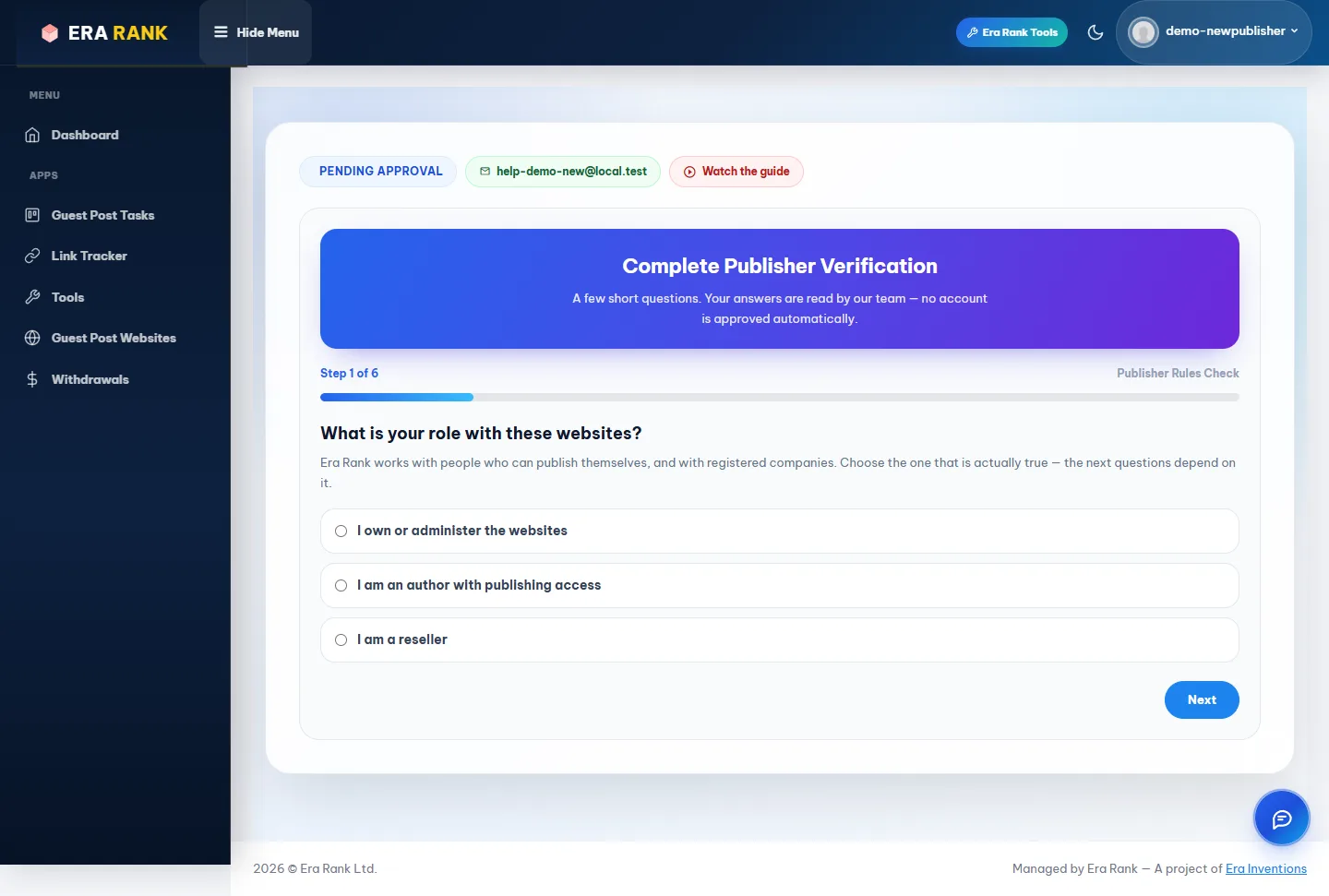
Step 1 of the verification form. The progress bar shows how far you are.
Your answers are saved as you go. If you close the page, the form opens where you left off next time.
2 Answer the questions
Click Next after each answer. Use Back if you need to change something.
| Question | What it means |
|---|---|
| Your role | I own or administer the websites, I am an author with publishing access, or I am a reseller. Choose what is really true: the next questions depend on it. |
| Can you publish yourself? | For owners and authors. We need people who can put the article live without asking someone else. |
| Do you work at a company? | For resellers. Both answers are fine. Companies add the company name and website (a company domain, not a Gmail address). |
| Can you publish within 12 hours? | Orders are time-bound. If you need longer, say how many hours. A person reads this, it does not refuse you automatically. |
| Your Facebook profile | Your own personal profile, not a company page. The name on it must match the name on your Era Rank account. |
| Our terms | Fixed prices, the quality rules and the payment schedule below. You accept all three together. |
When you get paid
| You are | Payment is released |
|---|---|
| Website owner or admin | 7 days after publishing |
| Reseller or contributor | 21 days after publishing |
The days are counted from the date the article goes live, not from the date it was ordered.
3 Check your website prices
The last step is your price sheet. It shows which of your websites we can accept, and at what price, before you send it.
- Click Sample sheet to download the format.
- Fill in one website per row:
Column Contents Example A: Domain The website address example.comB: Price $ Your price in US dollars 50C: Price PKR Or your price in rupees 14000 - Choose your finished sheet (Excel files only) and click Check my sheet.
- Fill in one price column, whichever currency you quote in. Rupee prices are converted at today's rate, shown on the page.
- The first row can be a heading; it is skipped.
- Up to 15,000 websites in one sheet.
The price rule
If we already sell one of your websites through another publisher, your price has to beat the lowest price we have:
| Our lowest price | Your price must be at least | Example |
|---|---|---|
| $10 or less | 30% lower | We sell it for $10 → you can ask up to $7.00 |
| More than $10 | 20% lower | We sell it for $50 → you can ask up to $40.00 |
Websites nobody else has offered are yours to price.
4 Submit and wait for review
Click Submit Verification. The page changes to Verification Submitted. Our team reads your answers and replies by email:
- Approved: you can log in and use everything. Go on to Add your website.
- Not Approved: the email says why. If you answered something by mistake, you can answer again on the same page.
Please don't open a second account if the first one is not approved. It is checked the same way and will not change the answer.