Once you send the live link, our team checks the post. Most orders are approved straight away. Sometimes we ask for a small change first.
1 What we check
- The post is live and opens for visitors.
- The article matches the content we sent, including the title and text.
- The client's link is on the page, pointing to the Target URL.
- The post is on the website the order was placed for.
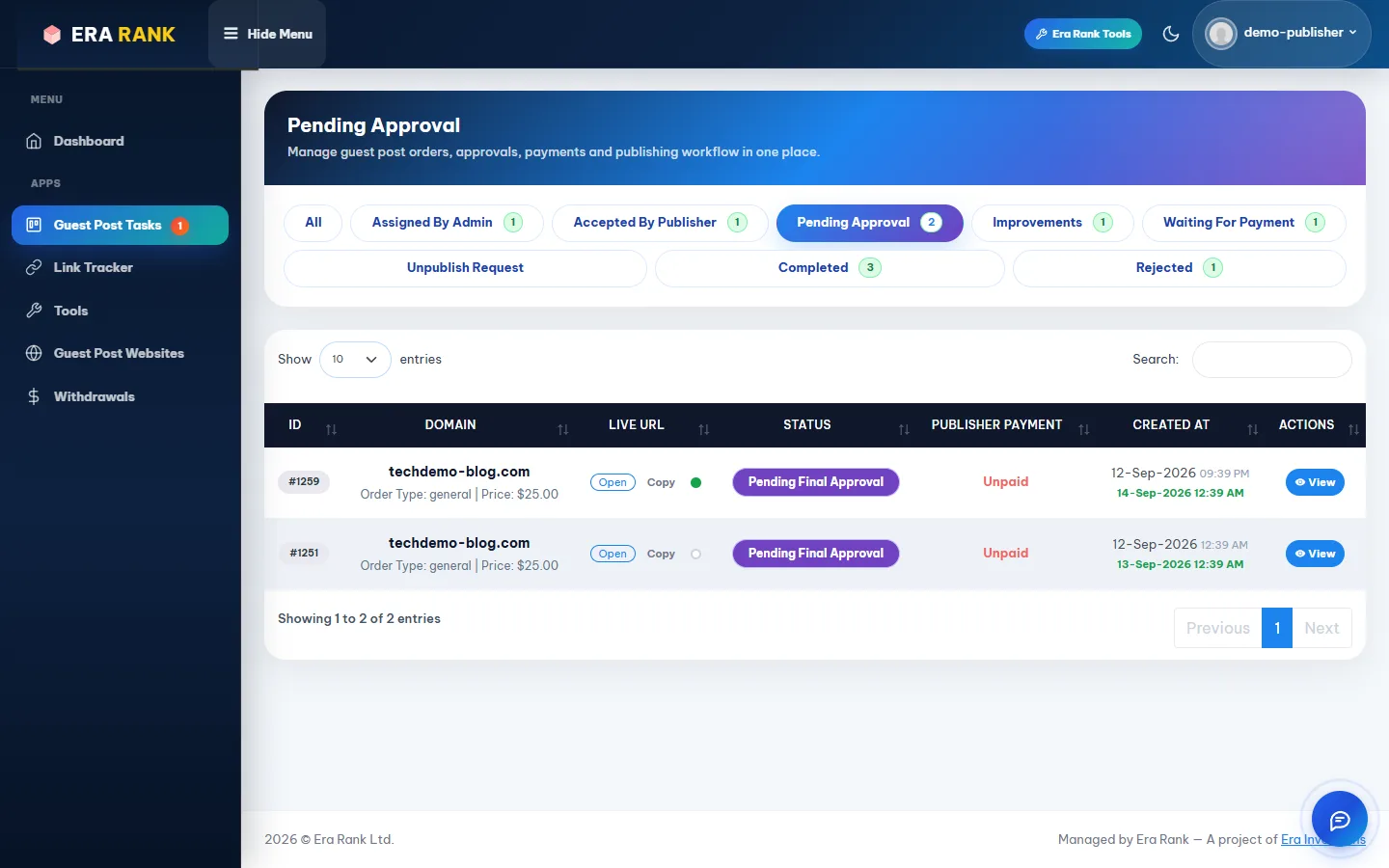
Submitted posts wait in the Pending Approval tab while we check them.
2 When we ask for improvements
If something needs fixing, the task moves to Improvements and our team leaves a message explaining what to change.
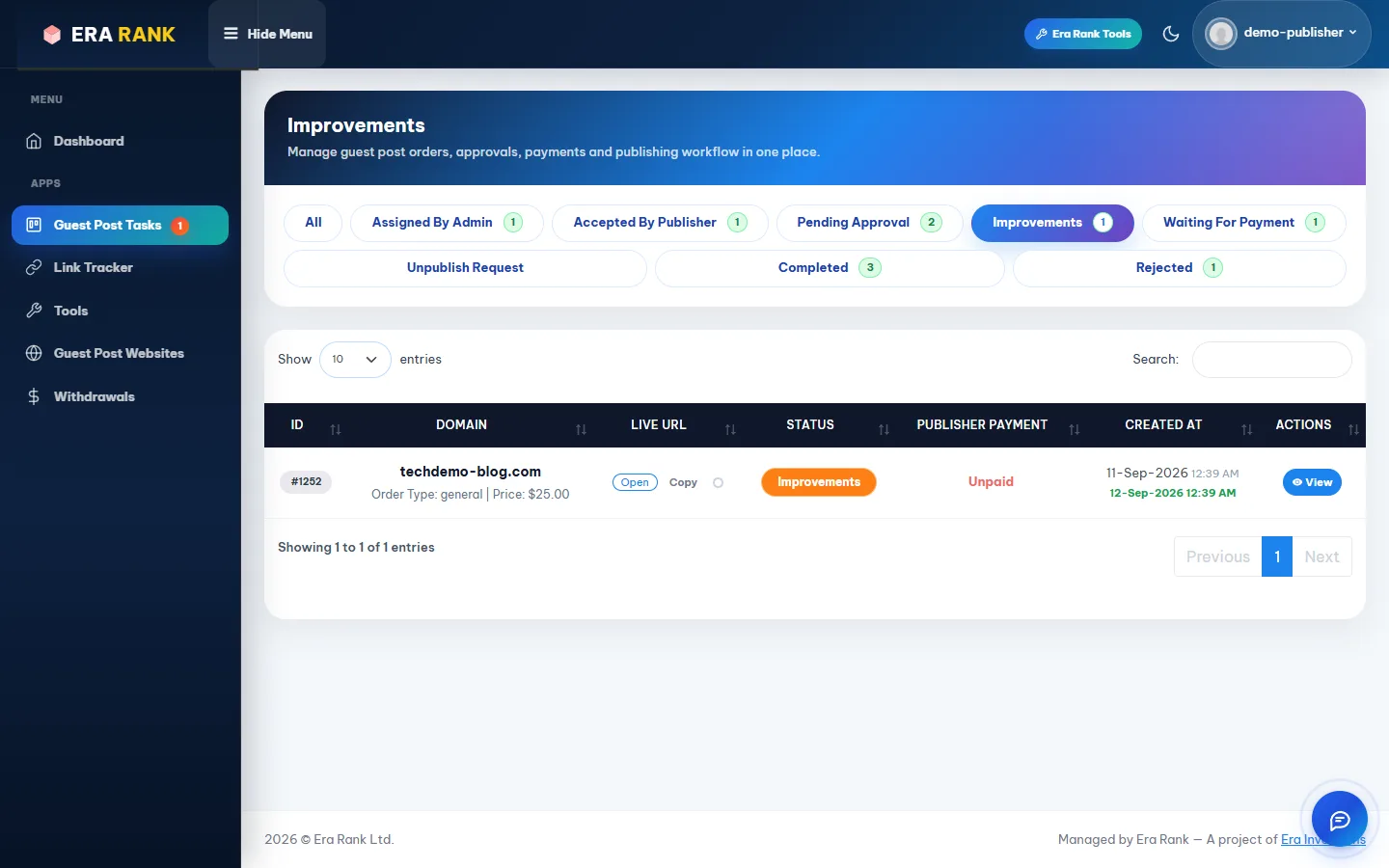
Tasks that need a change are in the Improvements tab.
- Open the task. Read the message in the Messages panel on the right.
- Make the change on your website.
- Reply in the chat to say what you changed.
- Click Submit again (or use the submit link). The task goes back to Pending Approval.

Here our team asked for a dofollow link and a homepage listing; the publisher fixed it and replied.
You can change the URL of a task in Improvements even after the usual 48-hour limit.
3 Approved and completed
When the post passes review, the order is finished on your side. It may show Waiting For Payment while the client completes their payment, and then moves to Completed.
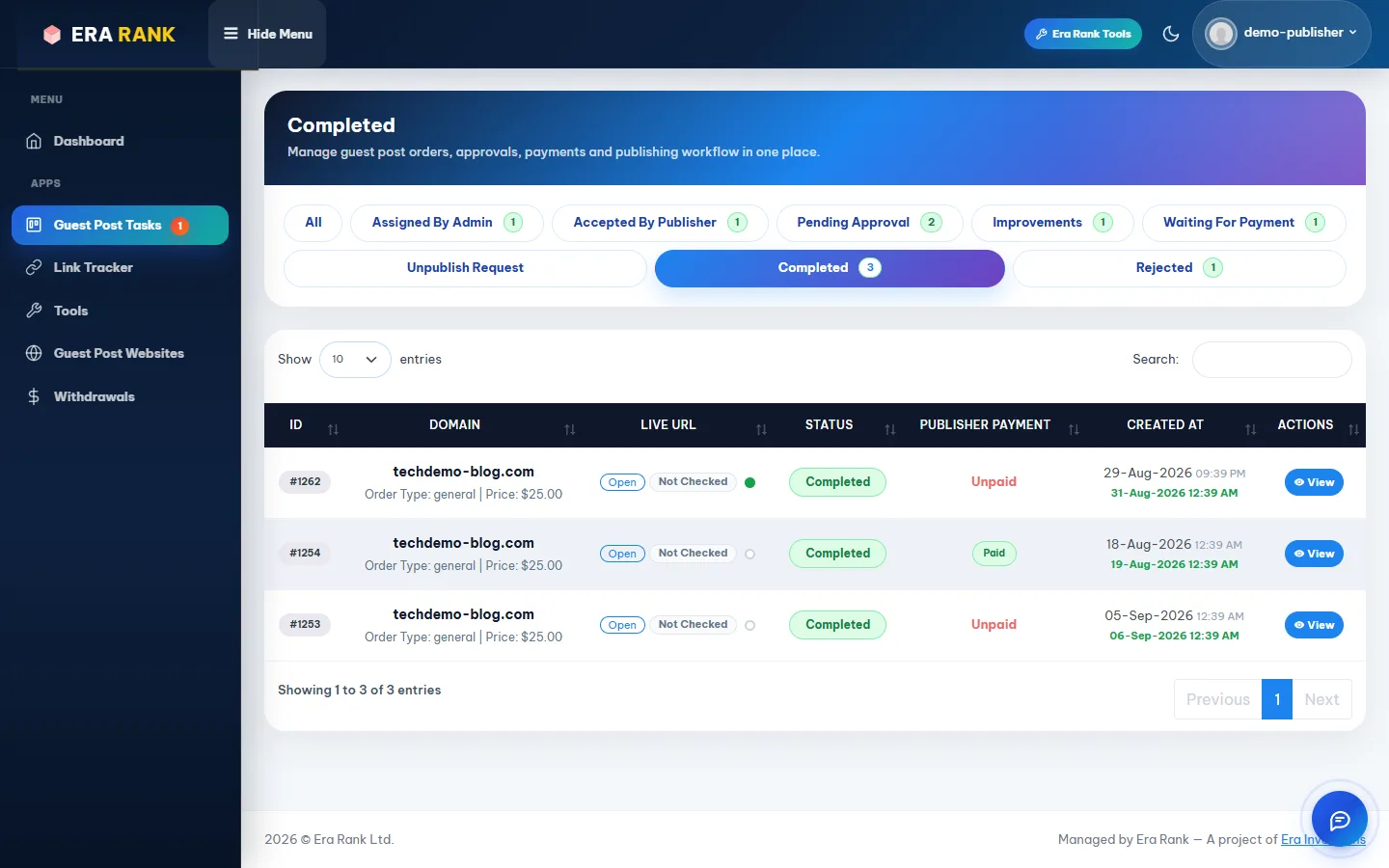
Completed orders, with the live URL and whether you have been paid for them.
Completed orders count towards your earnings. The Publisher Payment column shows Unpaid until the money is released to you. See Earnings & withdrawals.
Keep the post live. We check published links regularly. Don't delete or change the post, or remove the client's link, after it is approved.
4 Unpublish requests
Occasionally an order is cancelled after publishing, for example when the client does not pay. The task then moves to Unpublish Request.
- Remove the post from your website.
- Open the task and click Accept Unpublish Request.
The task then closes as rejected. An order that is unpublished is not paid.