A staff account is for resellers: people who sell guest posts on Era Rank websites to their own clients and keep the profit. You don't need websites of your own. You pick sites from our list, add your margin, and we handle the publishing.
A staff account can't add websites. If you own websites and want to sell posts on them, open a publisher account instead.
1 Open the sign-up page
Go to erarank.com/register and choose Only For Staff in the Register As list. A window confirms what a reseller account can do:

Click I understand to carry on, or Change account type if you meant something else.
2 Fill in your details
| Field | What to enter |
|---|---|
| Full Name | Your full name. Payouts are made in this name. |
| Username | No spaces, and not already taken. It becomes the address of your public profile, erarank.com/staff/username. |
| An address you check every day. New orders and payment updates go here. | |
| Phone Number | Your WhatsApp number with the country code. One number can be used for one account only. |
| Password / Confirm Password | At least 8 characters, typed twice. |
| Security check | Wait for the check box under the form to confirm you're not a robot. |
Click Register. We send a welcome email and a link to confirm your email address. Open it before you continue.
3 Wait for approval
Every staff account is checked by our team. Until then, your account shows Account Pending Approval:
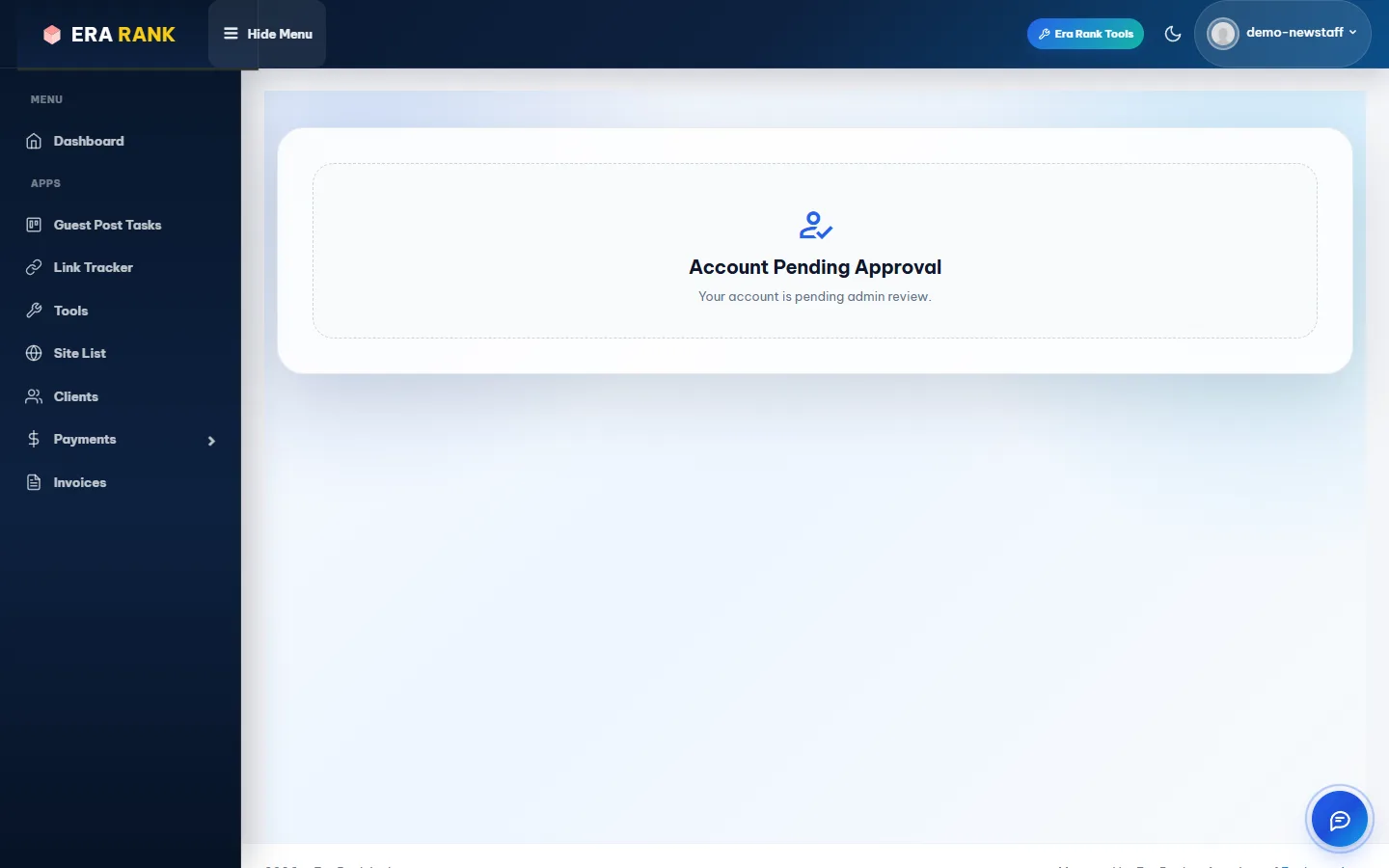
There is nothing to fill in while you wait.
- Approved: you get “Your Era Rank Account Has Been Approved!” and can use everything.
- Not approved: the email and the page explain why.
What our team sets up for you
When your account is approved, our team sets a few things that affect your orders and earnings:
- Service charges: the percentage Era Rank keeps from your profit. See Earnings & withdrawals.
- Security deposit: whether you need one. See Security deposit.
- Direct assignment: whether your approved orders go straight to the publisher.
- Staff title: the title shown on your public profile.
Next: Your dashboard & menu.